The Microsoft Access System That Grew With the Business
The Story
This didn’t start as a business system. It started as a way to track part numbers.
Then came bills of materials.
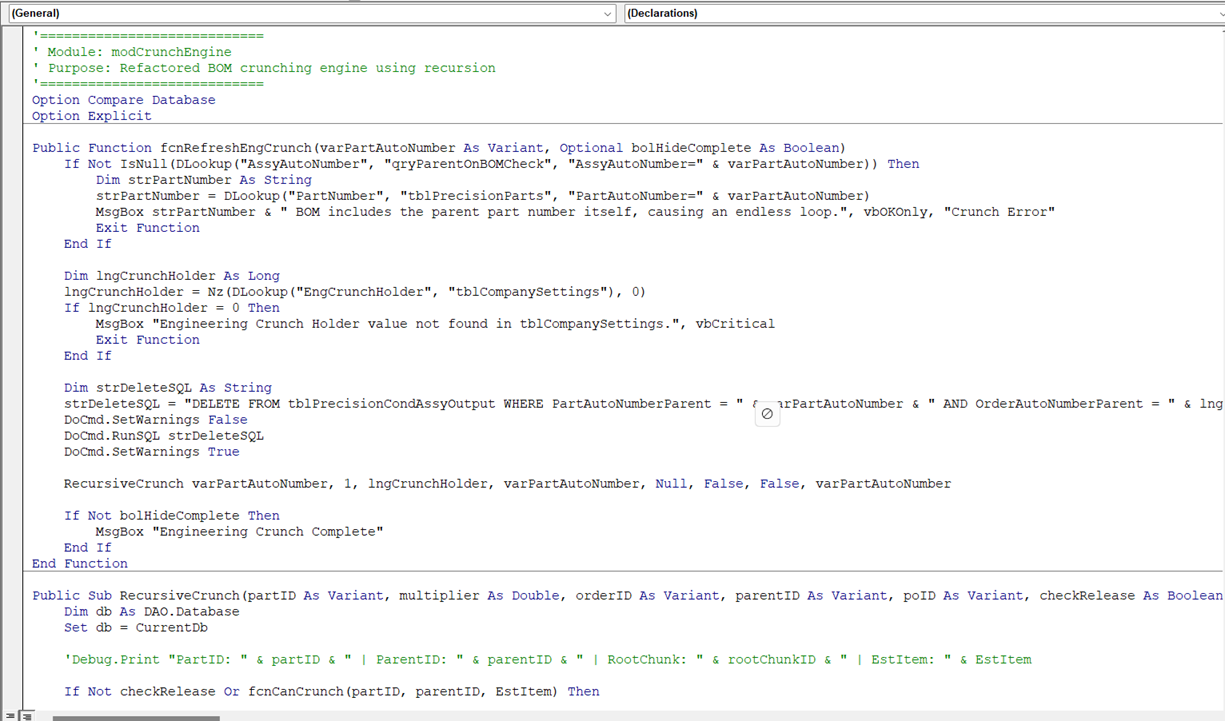
Then I tied it into AutoCAD using VBA — automating drawing creation, managing revisions, and filling out title blocks without touching a template.
Then came purchasing.
Then quoting.
At one point, we seriously considered buying an off-the-shelf ERP system. I was all for it — being a full-time database developer and a full-time machine builder wasn’t exactly ideal.
“Bob took one look at the price tag and hardware requirements — and vetoed it.”
(He was right.)
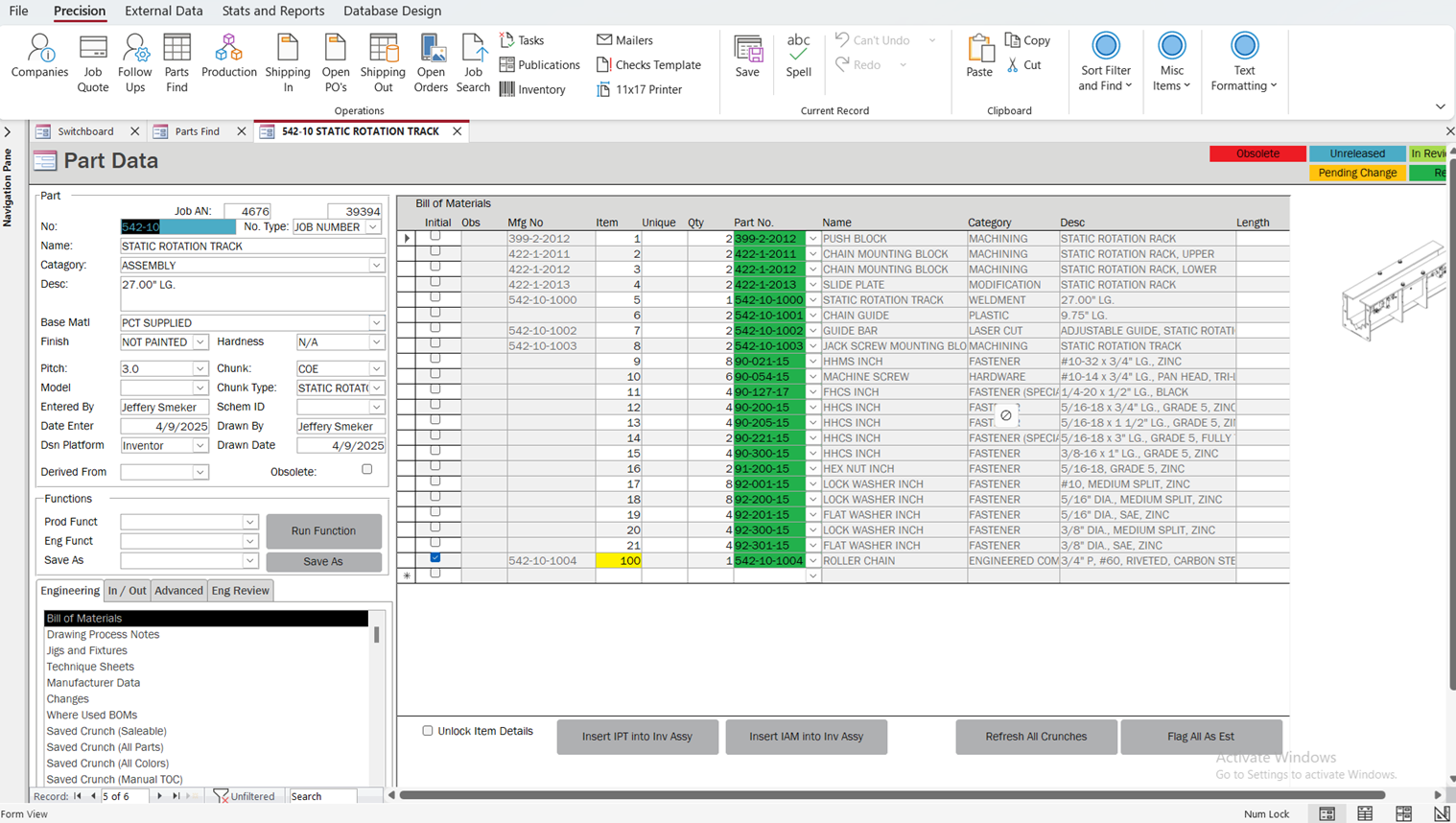
After that, I doubled down and took it further. When we transitioned to Autodesk Inventor as our primary design platform, I integrated that too. The system now pulls BOMs directly from Inventor assemblies, auto-populates them in Access, and keeps everything synced. It also manages Inventor file metadata and keeps assemblies current with the latest post-revision models.
What we ended up with was far better: complete control, no subscription fees, no outside dependencies, and the flexibility to evolve as the business does. If something needs to change, I just change it.
What It Does Today
Parts & BOM Management
Every part, every BOM, and every revision — fully traceable, version-controlled, and job-linked.AutoCAD + Inventor Integration
Automatically generates drawings, fills out title blocks, manages file metadata, and keeps assemblies up to date.Inventor BOM Automation
Pulls bills of materials directly from Inventor assemblies and syncs them into the database — no manual entry required.CAD Document Control
Manages PDFs, jigs, spreadsheets, spec sheets, and everything else tied to the job.Purchasing & RFQs
Generates RFQs and purchase orders, tracks supplier pricing, and ensures clean handoff from engineering to purchasing.Job Quoting & Sales Orders
Tracks opportunities, quote stages, and sales orders all the way through production.Inventory & Job Tracking
Provides real-time visibility into stock levels, job-specific material tracking, and automatic reorder prompts.Engineering-to-Purchasing Bridge
Engineers specify parts. Purchasing buys them. The system keeps it clean, consistent, and connected.Automated Invoicing
When a job ships, the invoice is auto-generated — no spreadsheets, no waiting.
Bonus Features + What’s Next
One of the most impactful results? We’ve eliminated nearly all traditional administrative roles. No more printing POs, chasing drawing files, checking stock manually, or tracking job paperwork by hand. Between this system and our automated phone system, we no longer need secretarial positions — and that’s freed us up to hire for roles that actually drive the business forward.
“We didn’t just eliminate admin overhead — we replaced it with productivity.”
Coming soon:
Smarter Shop Scheduling
A better scheduling module to prioritize jobs, manage capacity, and help the floor stay ahead of production demand.Accounts Payable Integration
Connecting POs, receipts, and vendor payments for a full end-to-end purchasing and financial workflow.
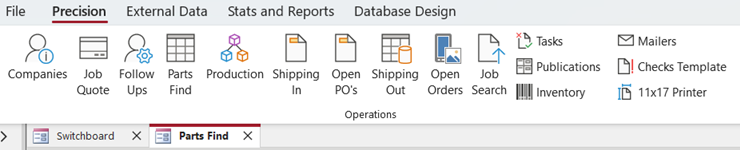
It’s all built in Microsoft Access, powered by VBA, and lives on a shared network drive. No cloud. No fees. No bloat.
Just a system that works — because we built it to fit us.
In future posts, I’ll break down the architecture, share screenshots, dive into the VBA behind it, and walk through what I’d do differently if I were starting today. Whether you’re trying to build your own internal tool or just tired of wrestling with software that doesn’t fit your workflow, this might give you a few ideas.